ERP Login
The ERP is the central product. All staff accounts are created here by the administrator.
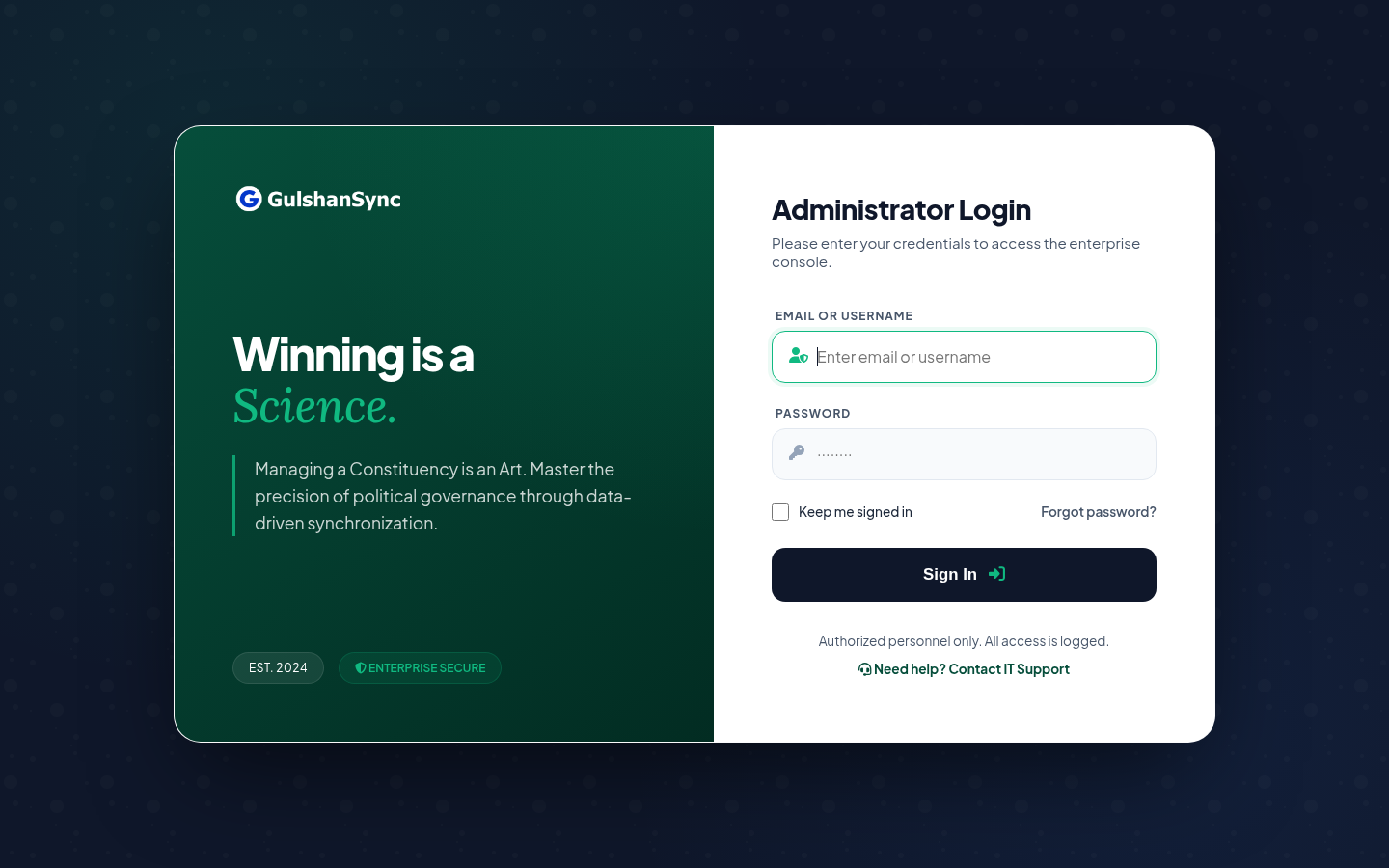
- Open
https://secure.gulshansync.comin your browser. - Enter your email address or username in the first field.
- Enter your password in the second field.
- Optionally tick Keep me signed in if you are on a trusted device.
- Click Sign In.
- You will be redirected to the dashboard at
/dashboard.
SureWin Login
SureWin uses mobile number login (Bengali interface). Accounts are created in the ERP first, then the same user can log into SureWin with their mobile number.
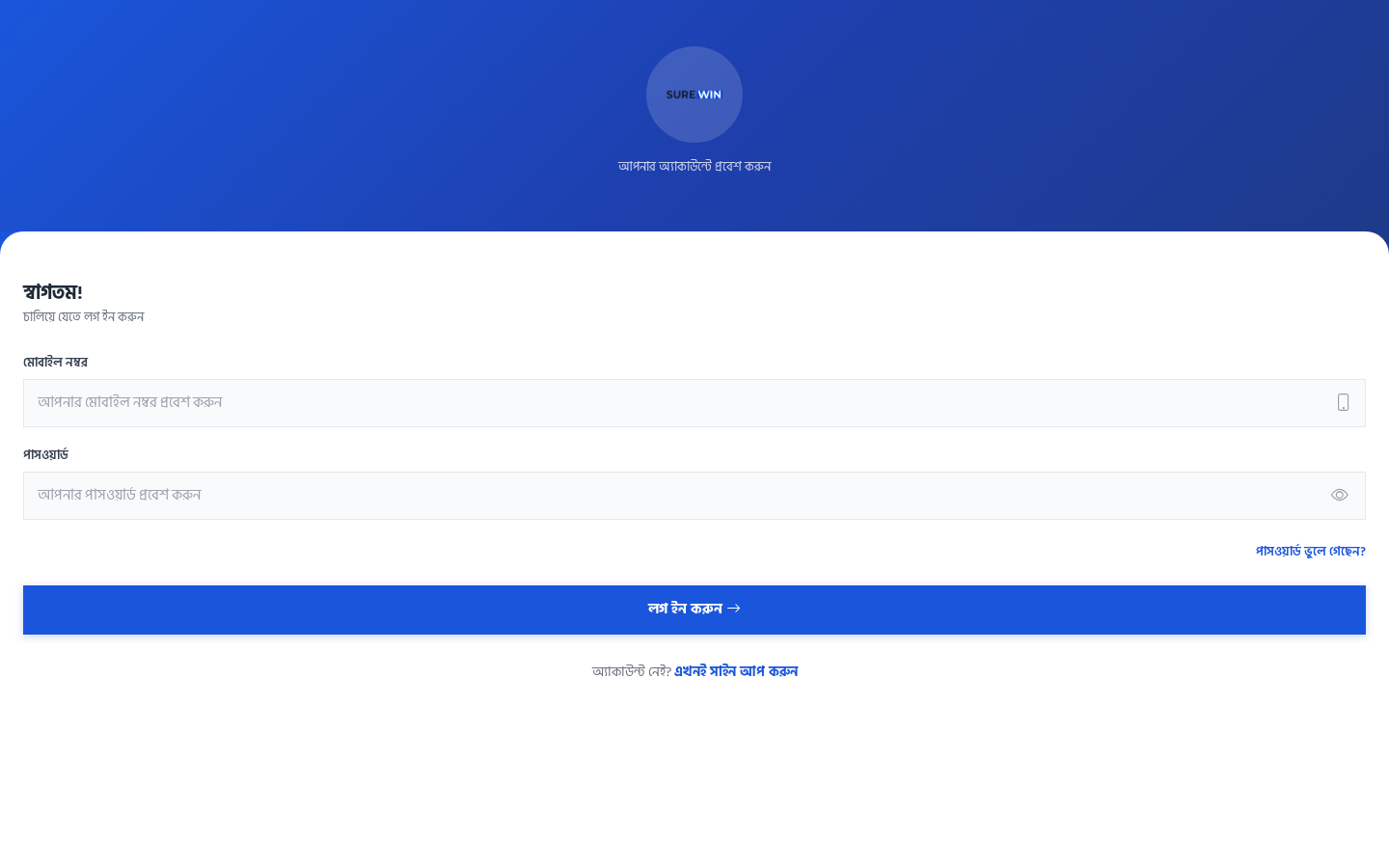
- Open
https://surewin.gulshansync.comon your phone or browser. - Enter your registered mobile number in 11-digit format (e.g.
019XXXXXXXX). - Enter your password.
- Click লগ ইন করুন (Login).
- After login, you will be prompted to grant location permission — this is required.
Connect Login
Connect supports both email and phone number login. Citizens can self-register; staff accounts are provisioned by the administrator.
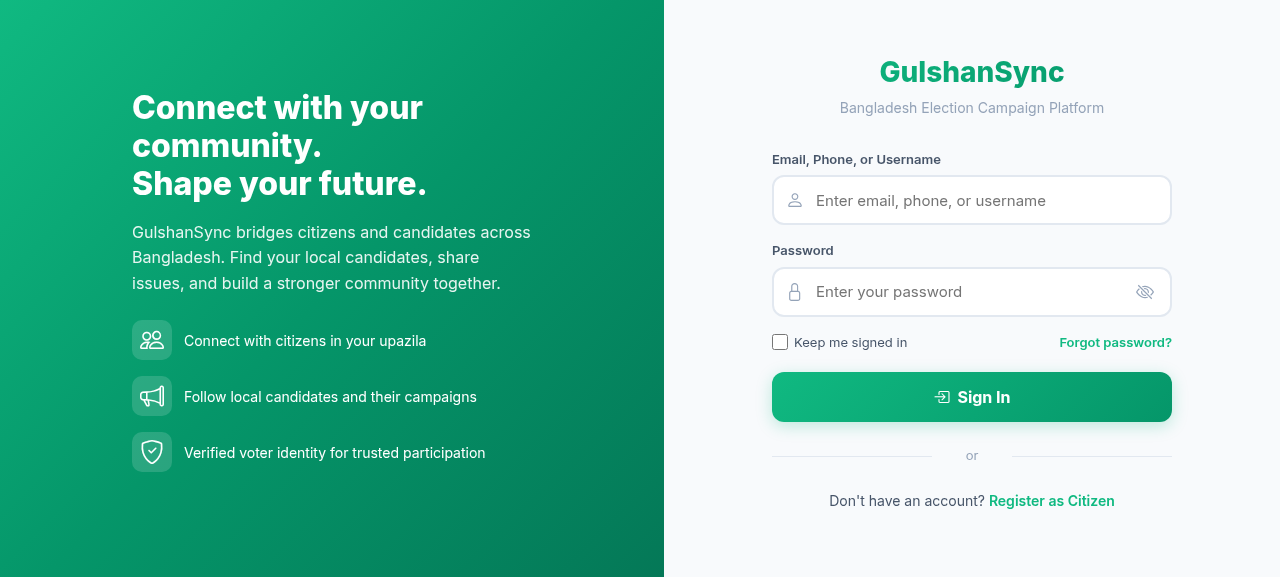
- Open
https://connect.gulshansync.com. - Enter your email, phone, or username in the first field.
- Enter your password.
- Optionally tick Remember me.
- Click Sign In.
Forgot Password?
If you forget your password, contact your campaign administrator. They can reset it from the ERP. For Connect, click the Forgot Password? link on the login page to receive a reset email.
Switching Between Products
Once logged into any product, your session is shared. You can switch products by navigating to the URL directly:
| Product | URL | Login Method |
|---|---|---|
| ERP | secure.gulshansync.com | Email or username + password |
| SureWin | surewin.gulshansync.com | Mobile number + password |
| Connect | connect.gulshansync.com | Email, phone, or username + password |
| Docs | docs.gulshansync.com | No login required |
Logout
To logout from any product, click your avatar/name in the top-right corner and select Logout. Always logout on shared devices.
For security, your session will expire after a period of inactivity. You will need to log in again.