Opening the Events Page
Click Events in the navigation or go to https://connect.gulshansync.com/events.
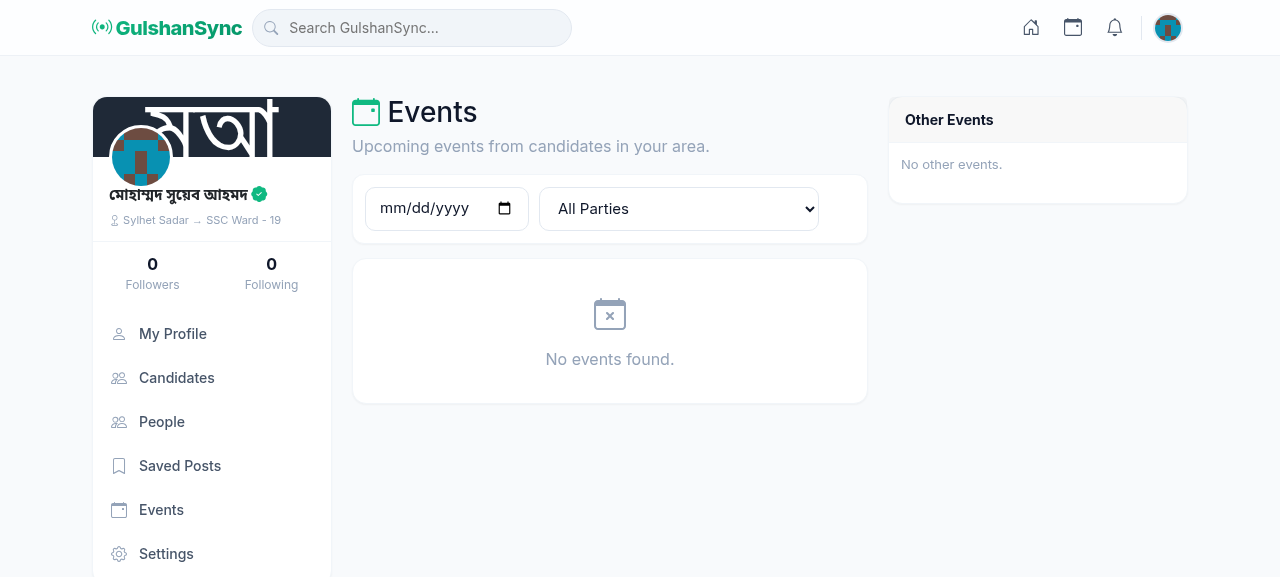
Event Information
For each event, you can see:
- Event title and type
- Date and time
- Venue and address (with map link)
- Host (which candidate is hosting)
- Description
- Number of RSVPs
RSVP to an Event
To indicate you will attend an event:
- Open the Events page.
- Find the event you want to attend.
- Click the event title to see details.
- Click RSVP or I'm Going.
- The event will be added to your profile's Events section.
- You will receive a reminder notification before the event.
Event Types
| Type | Description | Typical Size |
|---|---|---|
| Public Meeting (Large) | Major rally with the candidate speaking | 500+ attendees |
| Public Meeting (Local) | Smaller neighborhood meeting | 50-500 attendees |
| Press Conference | Media-facing announcement | Journalists only |
| Campaign Rally | Large rally with parade | 1000+ attendees |
| Door-to-Door | Volunteer-driven neighborhood outreach | Not open to public |