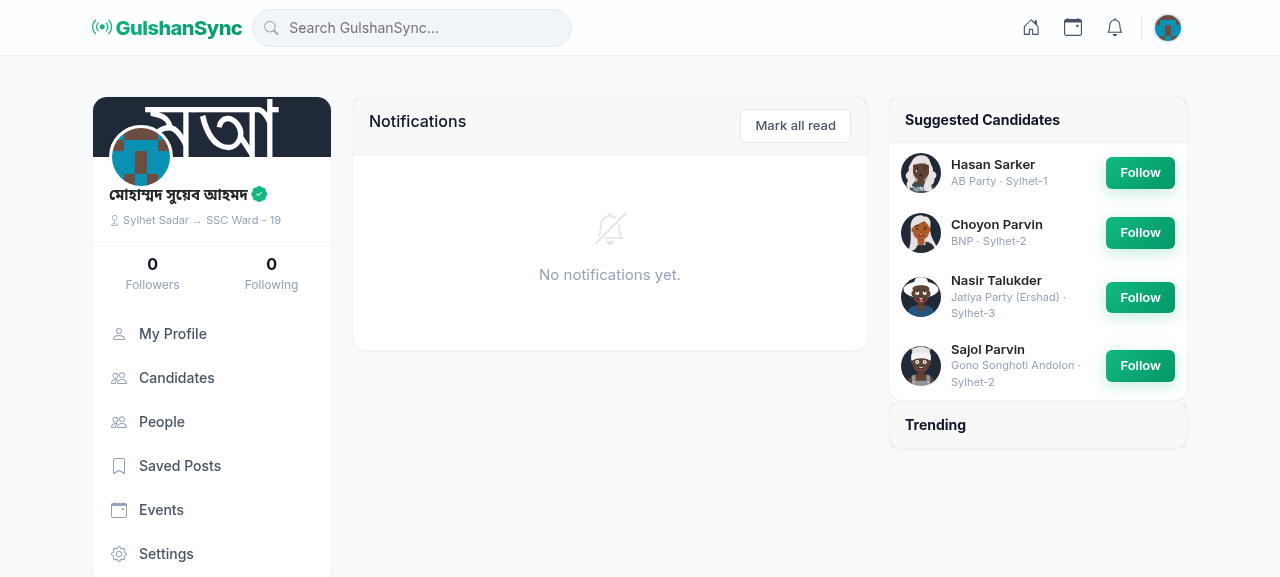
Opening Notifications
Click the bell icon in the top-right corner, or go to https://connect.gulshansync.com/notifications.
Notification Types
| Type | When you get it | Icon |
|---|---|---|
| New Follower | Someone starts following you | Person-plus icon |
| Like | Someone likes your post | Heart icon |
| Comment | Someone comments on your post | Speech bubble |
| Mention | Someone mentions you in a post or comment | @ symbol |
| Event Update | An event you RSVP'd to has changes | Calendar icon |
| New Post | A candidate you follow posts something new | Megaphone |
| Direct Message | Someone sends you a private message | Envelope |
Managing Notifications
- Click any notification to go to the related post, event, or profile.
- Click the X on a notification to dismiss it.
- Click Mark All as Read to clear the unread counter.
- Adjust notification preferences in Settings.