Opening Settings
Click your avatar in the top-right corner, then select Settings, or go to https://connect.gulshansync.com/settings.
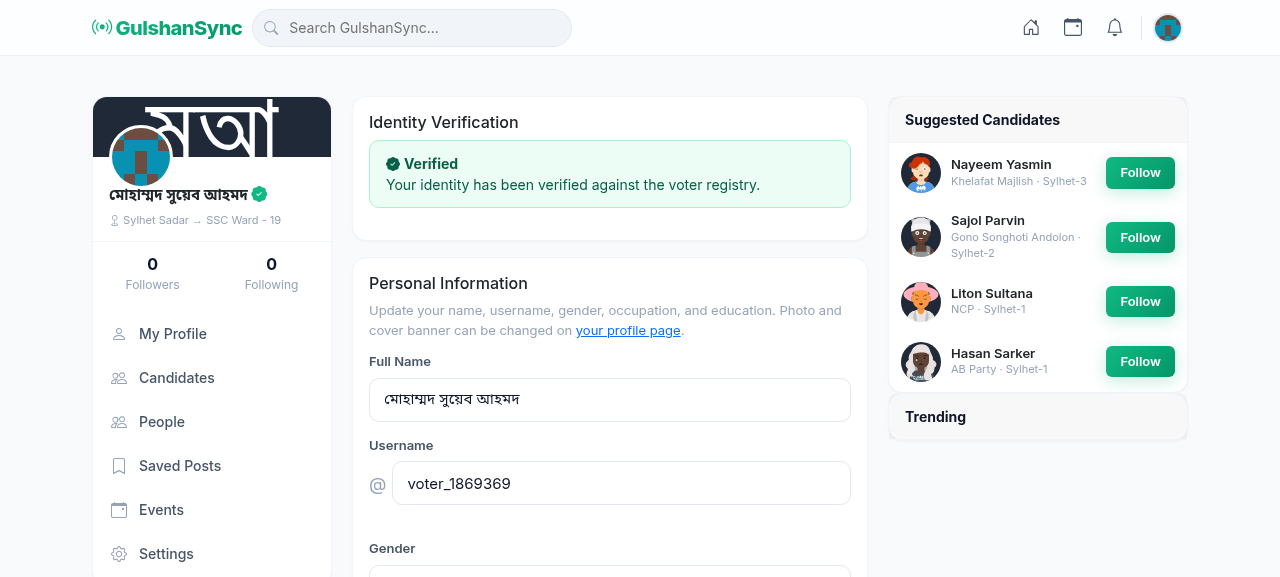
Settings Sections
| Section | What you configure |
|---|---|
| Account | Name, email, phone, username, password |
| Privacy | Who can see your posts, who can message you, profile visibility |
| Notifications | Email notifications, push notifications, notification frequency |
| Language | Interface language (English / Bengali) |
| Blocked Users | Manage blocked accounts |
| Sessions | Active login sessions, logout other devices |
| Delete Account | Permanently delete your account (cannot be undone) |
Privacy Settings
Control who can see your content:
- Profile visibility — Public / Followers only / Private
- Who can message you — Everyone / Followers only / No one
- Who can comment on your posts — Everyone / Followers only
- Show in search results — Yes / No
Changing Your Password
- Go to Settings › Account.
- Click Change Password.
- Enter your current password.
- Enter your new password (at least 8 characters).
- Confirm the new password.
- Click Save.
- You will be logged out — log back in with your new password.
Two-factor authentication
For extra security, enable two-factor authentication (2FA) in Settings. You will need a code from your phone in addition to your password when logging in.