Opening the Canvass Page
Tap ক্যানভাস (Canvass) in the bottom navigation or click রাজনৈতিক ক্যানভাস on the dashboard.
Selecting a Voter
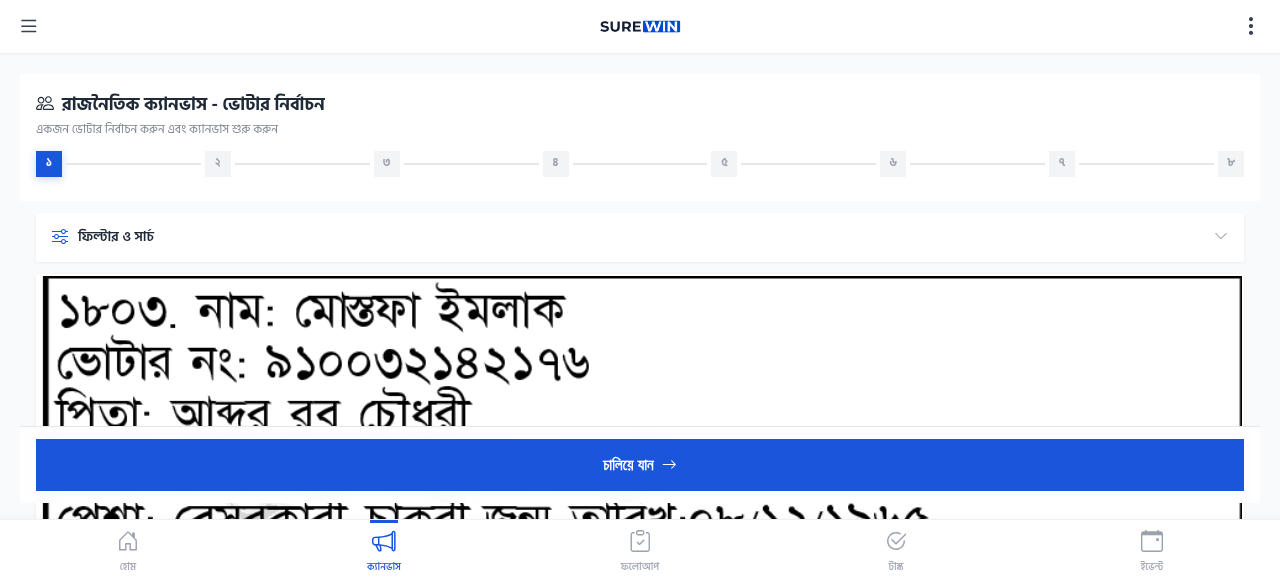
The Canvass page shows the list of voters in your assigned area. For each voter, you can see:
- Voter's name (Bengali and English)
- Voter's address
- Canvassing status — whether this voter has been visited before
- Last visit date (if applicable)
Step-by-Step: Select a Voter
- Open the Canvass page from the bottom navigation.
- Browse the list of voters in your area.
- Use the search box at the top to find a specific voter by name.
- Tap the voter's name to open their detail page.
- Review the voter's information before starting the canvassing workflow.
- Tap শুরু করুন (Start) to begin the 8-step workflow.
Voter not in list?
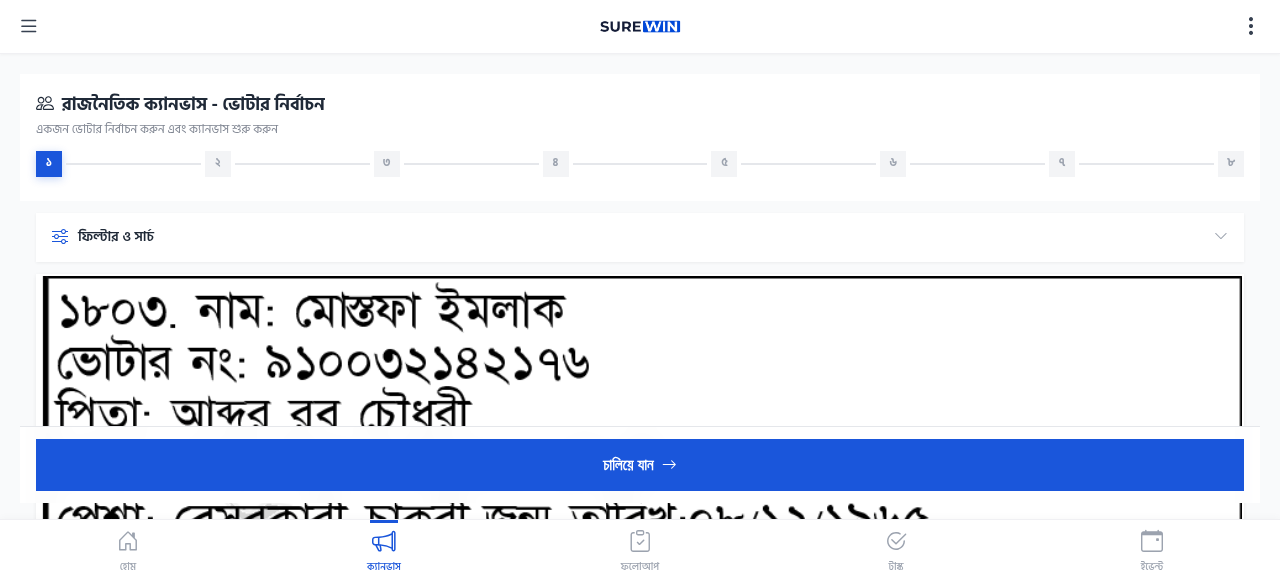
If a voter is not in your list, they are not in your assigned area. Contact your campaign manager to verify your area assignment.