Opening the Dashboard
After login, you land on the dashboard at /applications/home. The dashboard shows everything assigned to you.
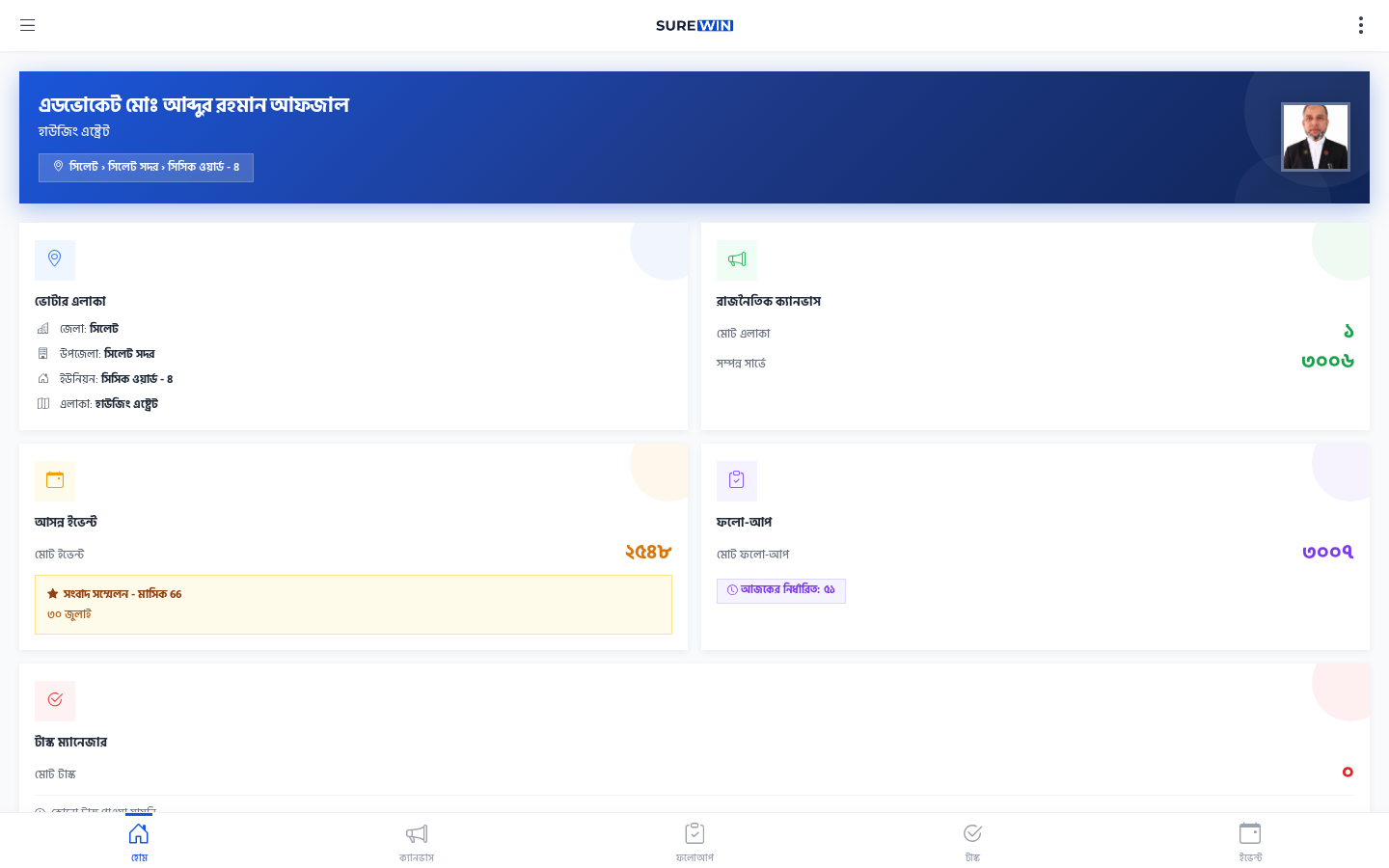
Dashboard Sections
The dashboard has five sections visible at a glance:
| Section (Bengali) | English | What it shows |
|---|---|---|
| ভোটার এলাকা | Voter Area | Your assigned canvassing area with voter count |
| রাজনৈতিক ক্যানভাস | Political Canvass | Quick link to start canvassing |
| আসন্ন ইভেন্ট | Upcoming Events | Events in your area in the next 7 days |
| ফলো-আপ | Followup | Voters who need a return visit |
| টাস্ক ম্যানেজার | Task Manager | Tasks assigned to you |
Navigation
The bottom of the screen has a mobile-friendly navigation bar with five icons:
- হোম (Home) — the dashboard
- ক্যানভাস (Canvass) — start the 8-step canvassing workflow
- ফলোআপ (Followup) — voters needing return visits
- টাস্ক (Task) — your assigned tasks
- ইভেন্ট (Event) — events in your area
On desktop, the same navigation is in the left sidebar.
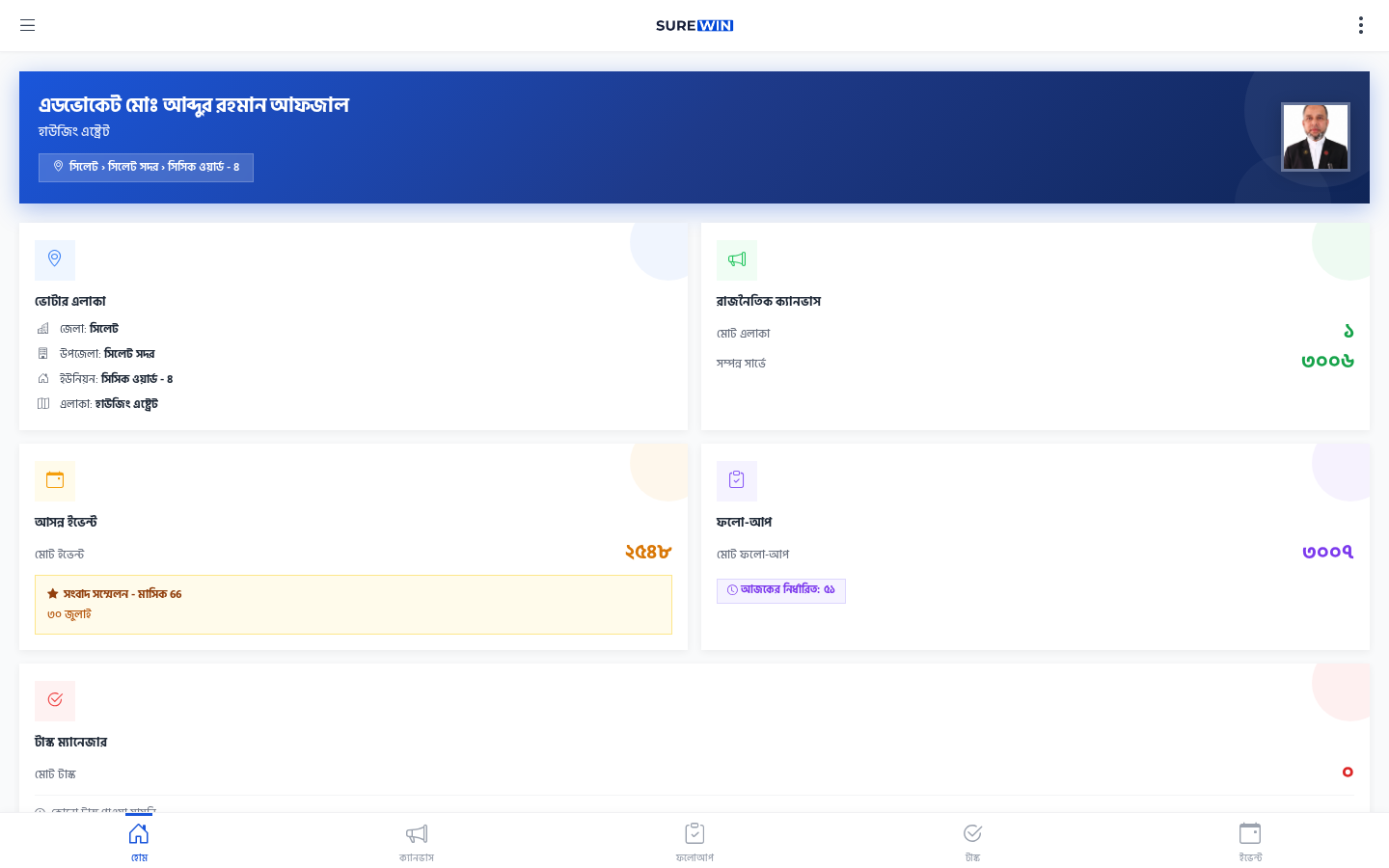
Top Header
The top header shows the candidate's name and your profile avatar. Click the avatar to access your profile and settings, or to logout.