Opening the Login Page
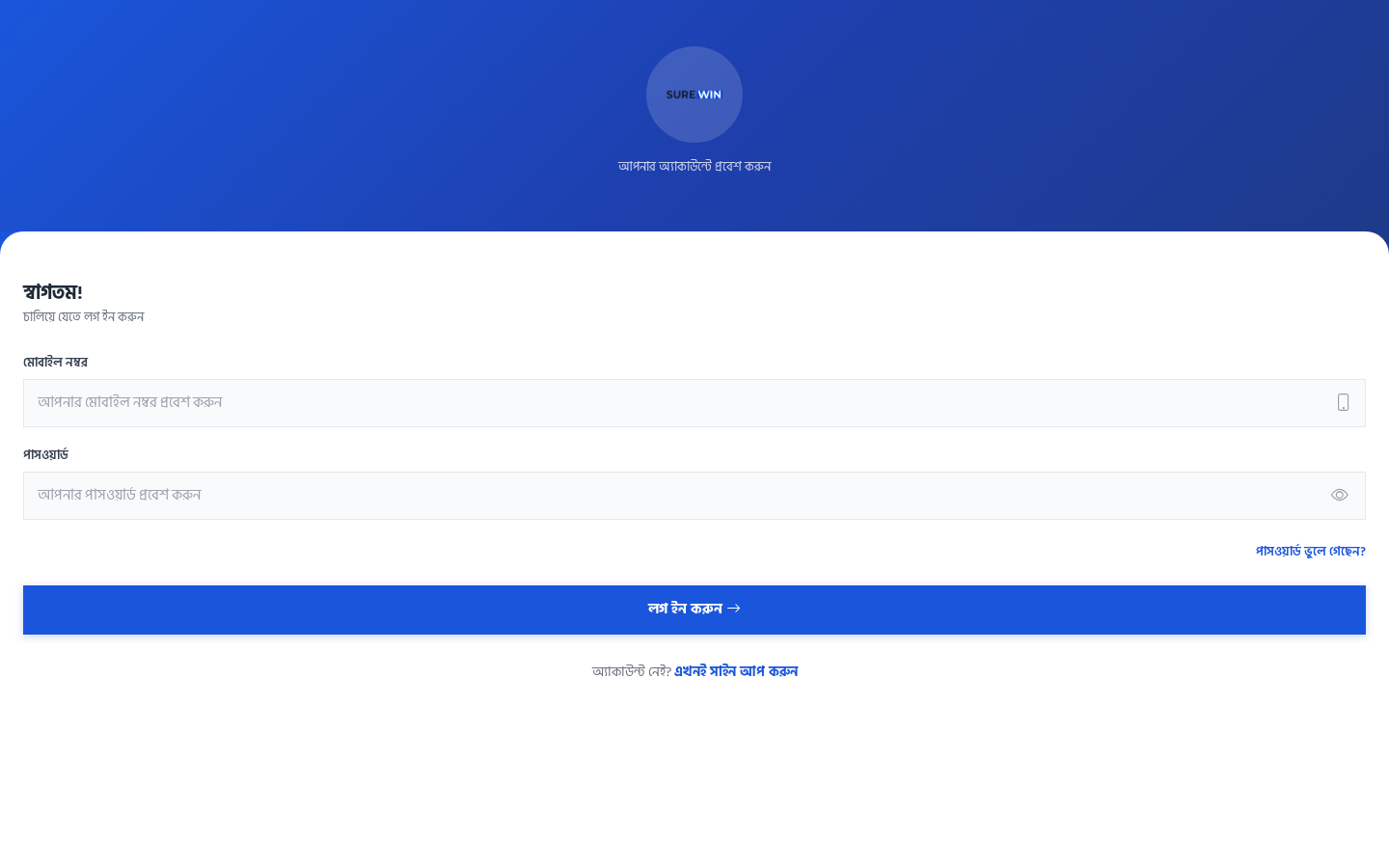
Open your phone or computer browser and go to https://surewin.gulshansync.com. You will see the Bengali login page.
Login Form Fields
| Field (Bengali) | English Meaning | What to enter |
|---|---|---|
| মোবাইল নম্বর | Mobile Number | Your 11-digit mobile number (e.g. 019XXXXXXXX) |
| পাসওয়ার্ড | Password | Your account password |
| পাসওয়ার্ড দেখুন | Show Password | Click the eye icon to reveal what you typed |
| লগ ইন করুন | Login | Click this button to sign in |
| পাসওয়ার্ড ভুলে গেছেন? | Forgot Password? | Link to reset password (requires admin help) |
| এখনই সাইন আপ করুন | Sign Up Now | Link to register (only if allowed) |
Step-by-Step Login
- Open
https://surewin.gulshansync.comin your browser. - Enter your 11-digit mobile number in the মোবাইল নম্বর field.
- Enter your password in the পাসওয়ার্ড field.
- Click লগ ইন করুন (Login).
- If login is successful, you will be redirected to the dashboard.
- If login fails, check your mobile number and password and try again.
After Login
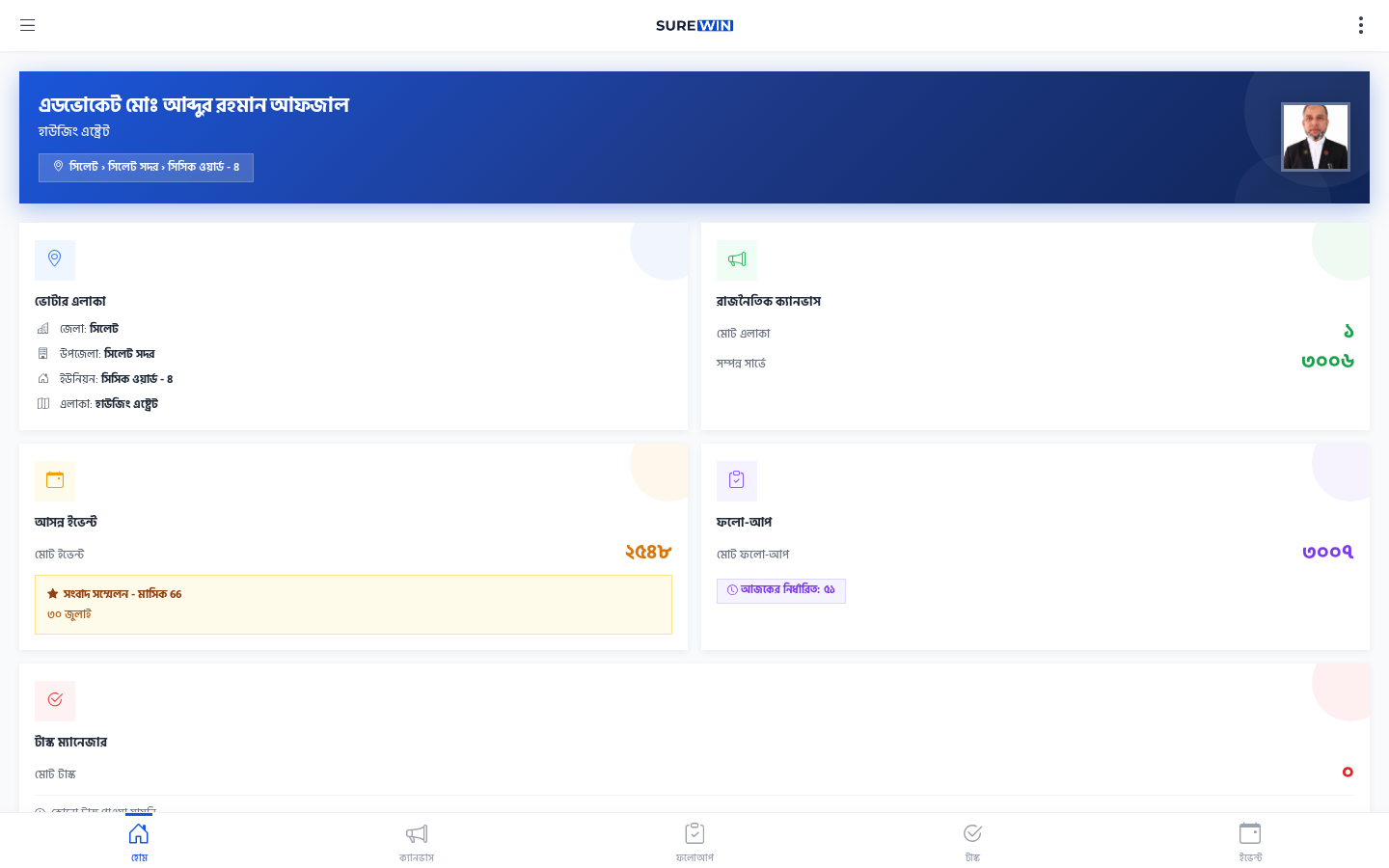
After successful login, you will see the dashboard. If this is your first time, you will see a লোকেশন প্রয়োজন (Location Required) prompt. You must grant location permission before you can start canvassing. See the Location Permission guide.
Account creation
Volunteer accounts are created in the ERP by the campaign administrator. You cannot self-register as a volunteer. If you need an account, contact your campaign manager.