Opening Followup
Tap ফলোআপ (Followup) in the bottom navigation or click ক্যানভাস ফলোআপ on the dashboard.
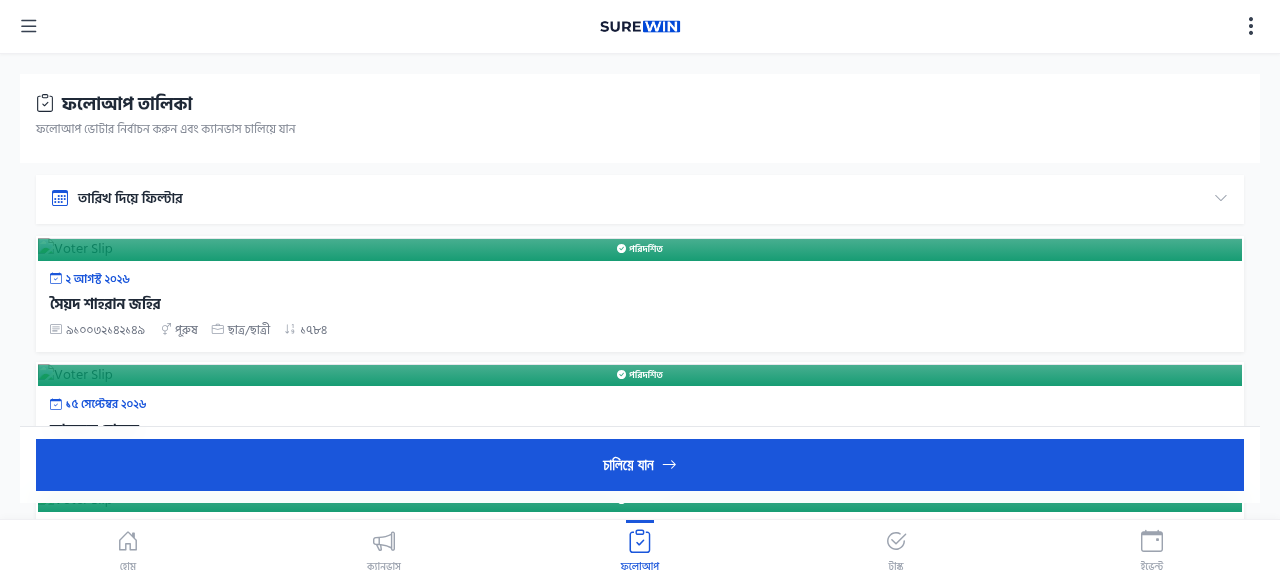
Who Appears in Followup?
A voter appears in the followup list when:
- They were marked as Undecided in Step 2 of canvassing
- The volunteer checked Followup Needed in Step 7 (Engagement)
- They raised specific issues that need a response
- They asked for more information about the candidate
Working Through the Followup List
- Open the Followup page from the bottom navigation.
- Review the list — voters are sorted by priority (highest need first).
- Tap a voter's name to see their previous canvassing notes.
- Visit the voter in person (you must be in your assigned area).
- Have a follow-up conversation addressing their concerns.
- Re-do the canvassing workflow to update their preference and notes.
- If the voter is now decided, mark them appropriately.
- If they still need followup, keep them in the list.
Followups require physical visit
You cannot update a voter's followup status without physically visiting them. SureWin verifies your location before allowing updates.