Opening Tasks
Tap টাস্ক (Task) in the bottom navigation or click টাস্ক ম্যানেজার on the dashboard.
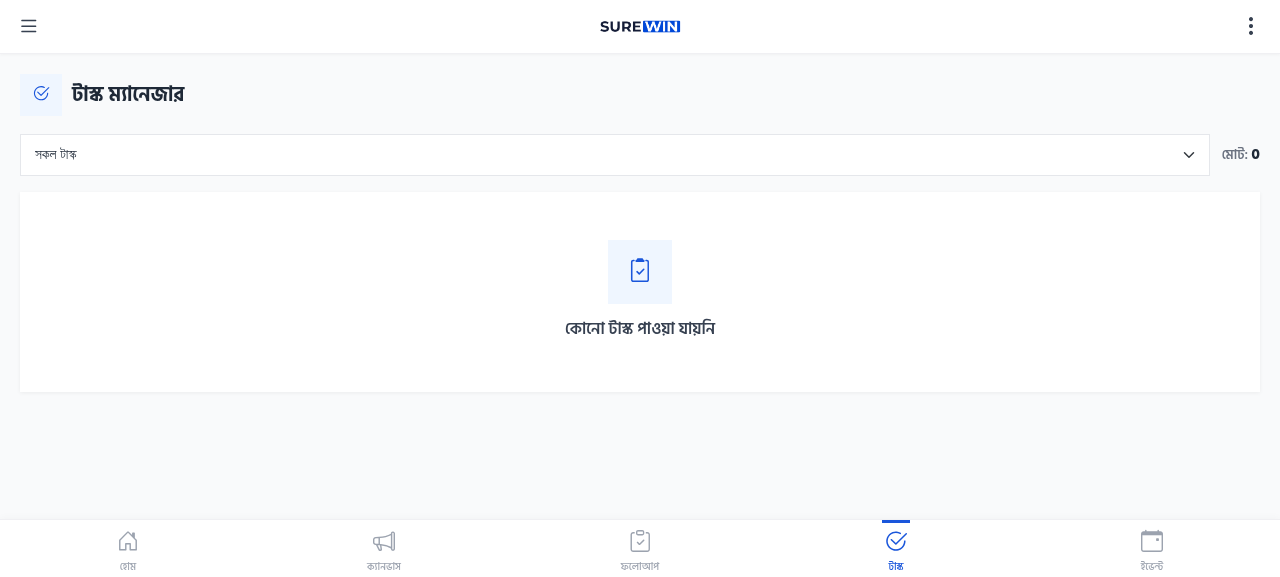
Task List
The Task Manager shows all tasks assigned to you. For each task, you can see:
- Task title and description
- Due date and priority
- Related project (if applicable)
- Current status — To Do / In Progress / Done
Completing a Task
- Open the Task Manager from the bottom navigation.
- Tap the task you want to work on.
- Read the task description and any notes from the manager.
- Tap Start to change status to 'In Progress'.
- Do the work described in the task.
- When finished, tap Complete.
- Add any notes about the work done.
- Tap Submit to mark the task as Done.
Tasks sync to ERP
When you complete a task in SureWin, the campaign manager sees it as Done in the ERP's Tasks module. This is how managers track field work progress.