Opening Your Profile
Tap your avatar in the top-right corner of any SureWin page, then select প্রোফাইল (Profile).
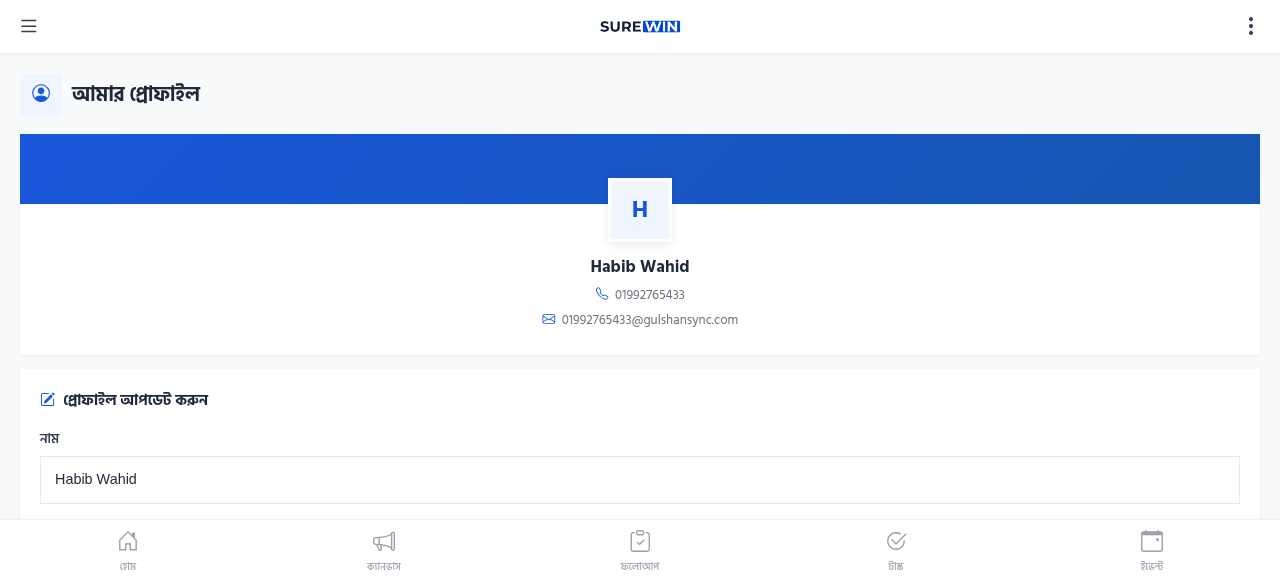
Profile Fields
- নাম (Name) — your display name
- মোবাইল নম্বর (Mobile Number) — your login mobile
- ইমেইল (Email) — your email address (optional)
- ছবি (Photo) — your profile photo
- ঠিকানা (Address) — your home address
Editing Your Profile
- Open your profile from the avatar menu.
- Tap সম্পাদনা (Edit).
- Update any fields you want to change.
- Tap সংরক্ষণ (Save).
Changing Your Password
To change your password, contact your campaign administrator. They can reset it from the ERP. There is no self-service password reset in SureWin.