Opening Income & Expense Types
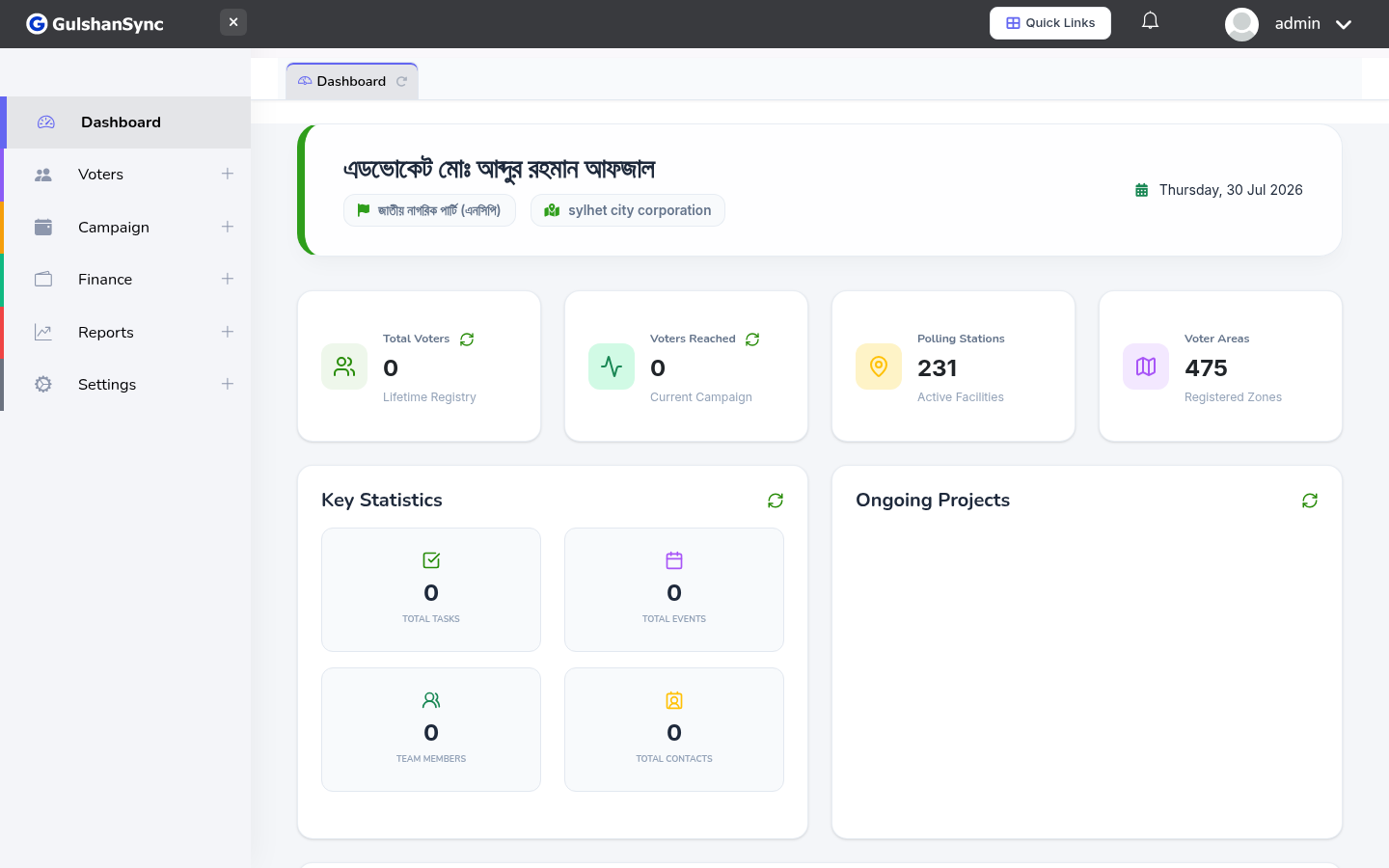
From the left sidebar, click Finance › Income & Expense Types or navigate to /chart_of_accounts.
Default Income Types
- Individual Donation
- Corporate Donation
- Party Contribution
- Event Income
- Membership Fee
- Other Income
Default Expense Types
- Salary
- Office Rent
- Event Cost
- Travel
- Marketing & Advertising
- Printing & Stationery
- Utilities (electricity, water, internet)
- Equipment
- Other Expense
Adding a New Type
- Click + Add Type.
- Choose whether it's an income or expense type.
- Enter the name.
- Enter a description (optional).
- Click Save.