Opening Political Preferences
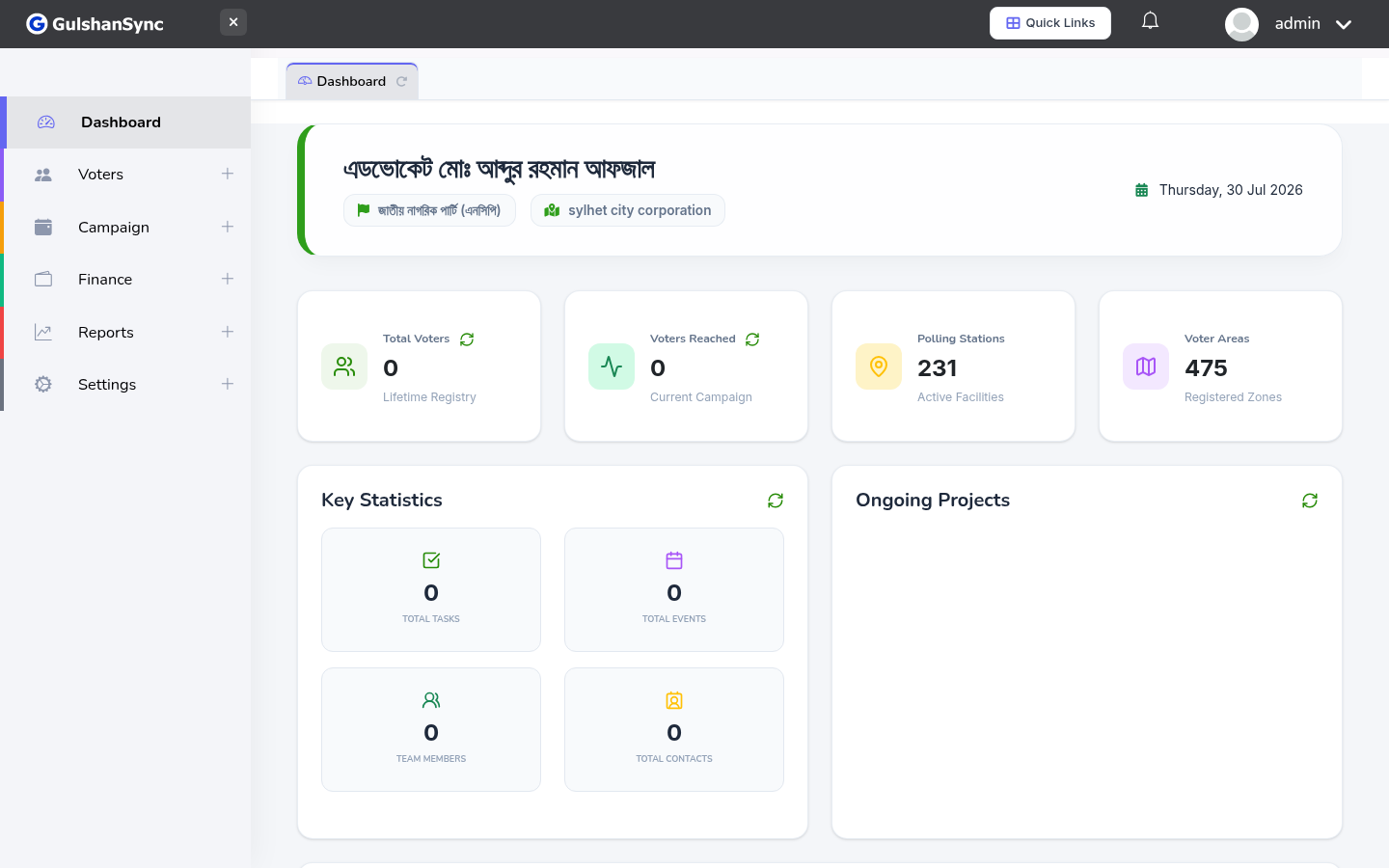
From the left sidebar, click Voters › Political Preferences or navigate to /political_preferences. This page shows the political preference recorded for each voter during canvassing.
Preference Levels
| Level | Color | Meaning |
|---|---|---|
| Strong Supporter | Green | Will definitely vote for our candidate |
| Leaner | Light green | Likely to vote for us but not certain |
| Undecided | Yellow | Has not decided yet — needs follow-up |
| Opposition | Red | Supports another candidate |
| Not Contacted | Grey | Volunteer has not yet visited this voter |
How Preferences Get Recorded
Preferences are captured by field volunteers using SureWin during the 8-step canvassing workflow. When a volunteer visits a voter, they record the voter's political preference in Step 2 of the workflow. The data syncs to the ERP automatically.
Use the dashboard chart
The dashboard has a Political Preference Distribution pie chart that updates in real time as volunteers capture data.