Opening Income
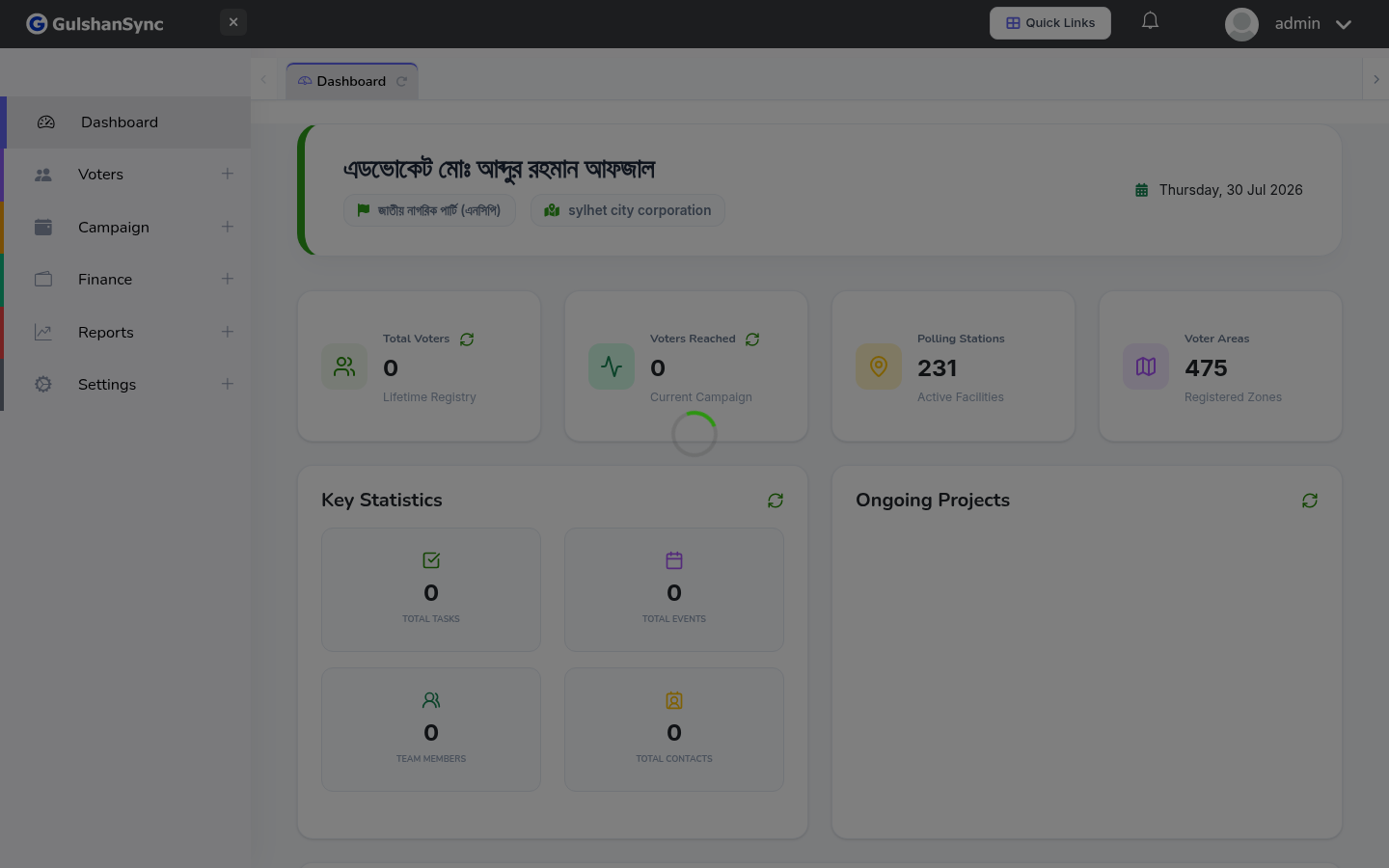
From the left sidebar, click Finance › Income or navigate to /income.
Recording a New Income
- Click + Add Income.
- Select the date of the income.
- Choose the account receiving the money.
- Enter the amount.
- Select the income type (donation, contribution, etc.).
- Select the payer (from Contacts, or enter a name manually).
- Choose the payment method (cash, bank transfer, mobile wallet).
- Enter any reference number (check number, transaction ID).
- Add notes if needed.
- Click Save.
Income Types
Income types are configured in Income & Expense Types. Common types include:
- Individual Donation
- Corporate Donation
- Party Contribution
- Event Income (ticket sales, food sales)
- Membership Fee
- Other Income