Opening File Manager
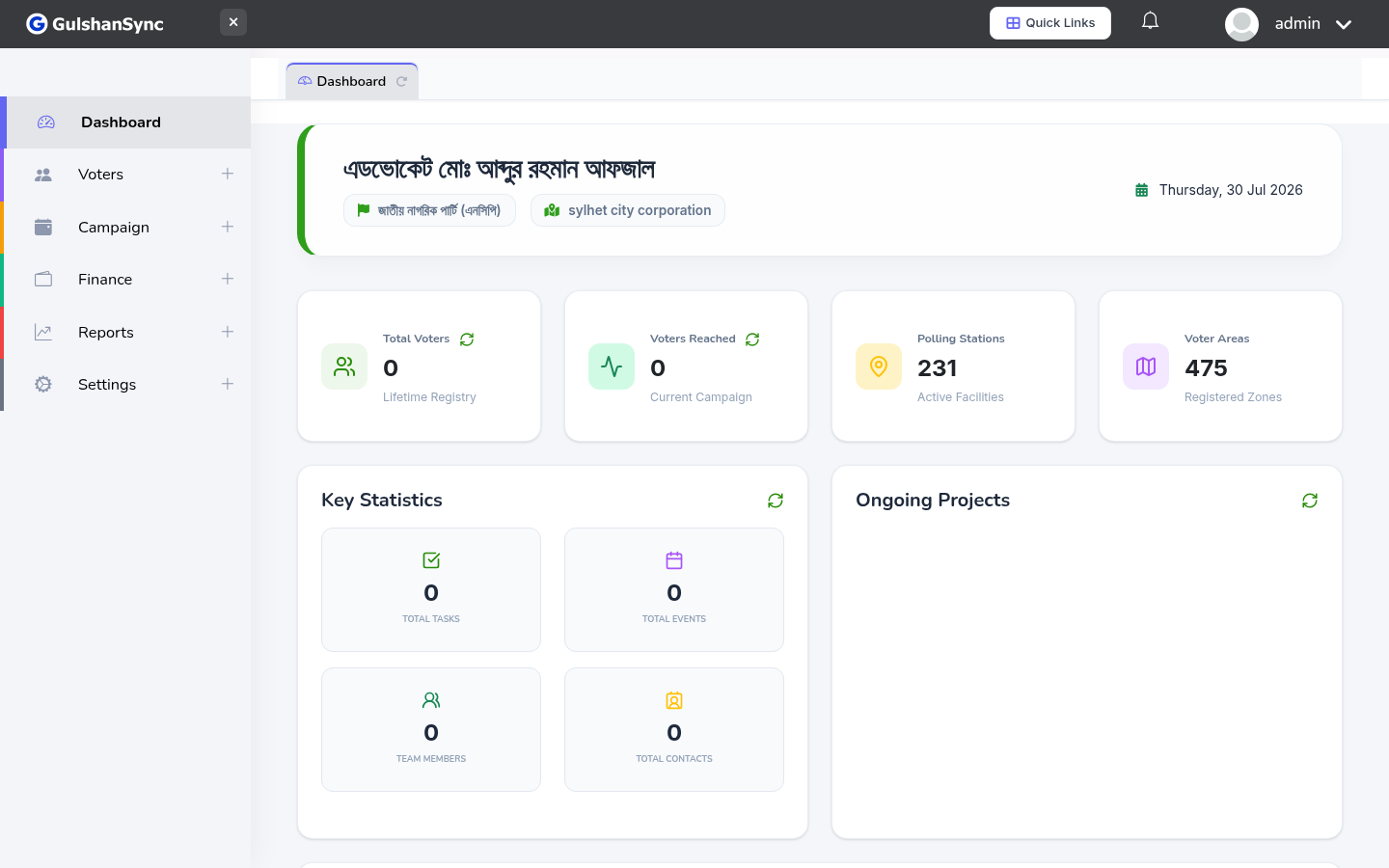
From the left sidebar, click Campaign › File Manager or navigate to /file_manager.
Uploading Files
- Click Upload at the top.
- Select one or more files from your computer.
- Wait for the upload to complete.
- Files appear in the current folder.
Organizing Files
You can create folders to organize files. Click + New Folder, enter a name, and the folder appears. Drag files into folders to organize them.