Opening Transfers
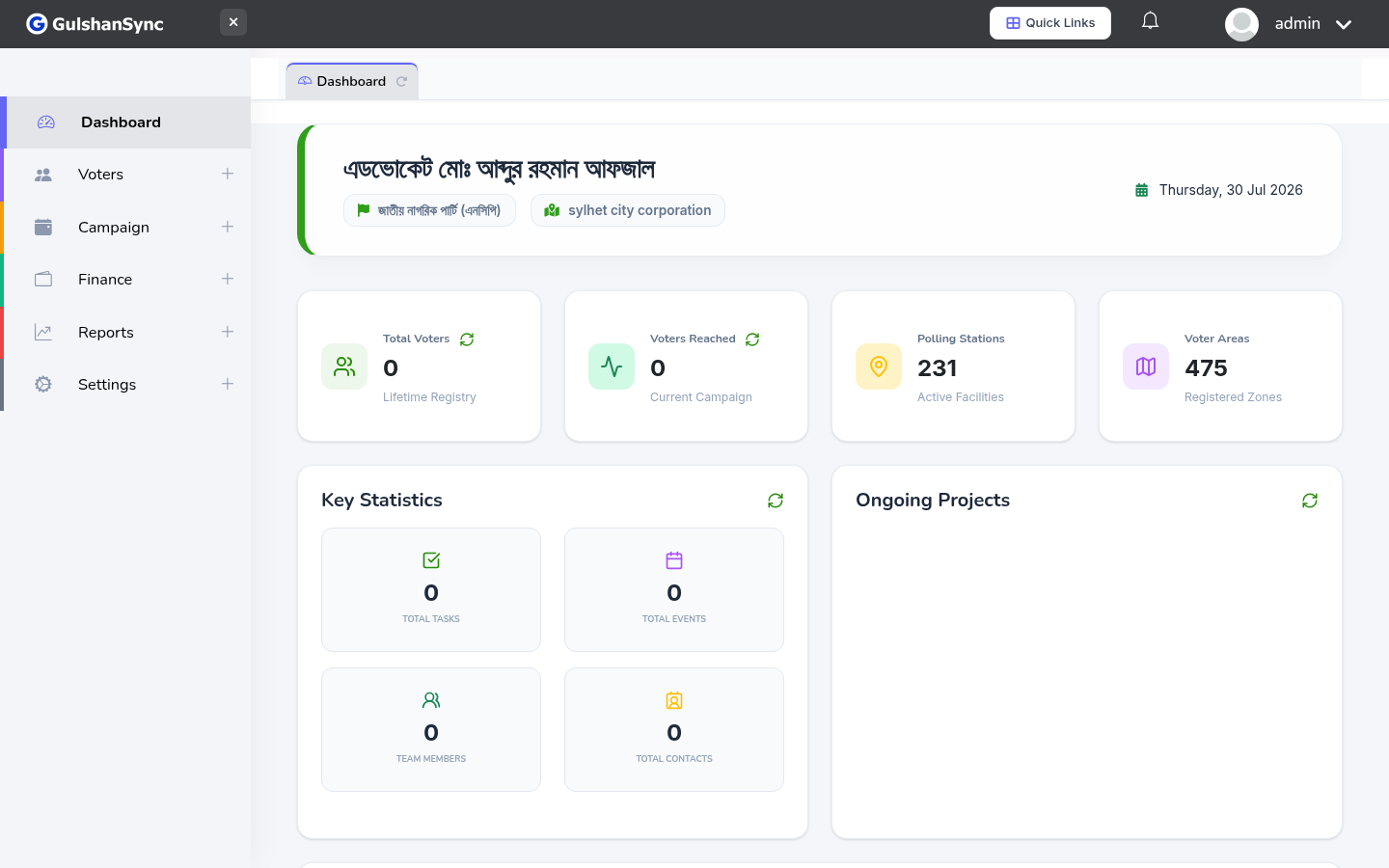
From the left sidebar, click Finance › Transfers or navigate to /transfer/create.
Recording a Transfer
- Select the source account (where the money comes from).
- Select the destination account (where the money goes).
- Enter the amount.
- Select the date.
- Enter any reference number (bank transfer reference).
- Add notes if needed.
- Click Save.
Transfers are not income or expense
Transfers move money between your own accounts. They do not affect your total balance — only the distribution across accounts.