Opening Event Categories
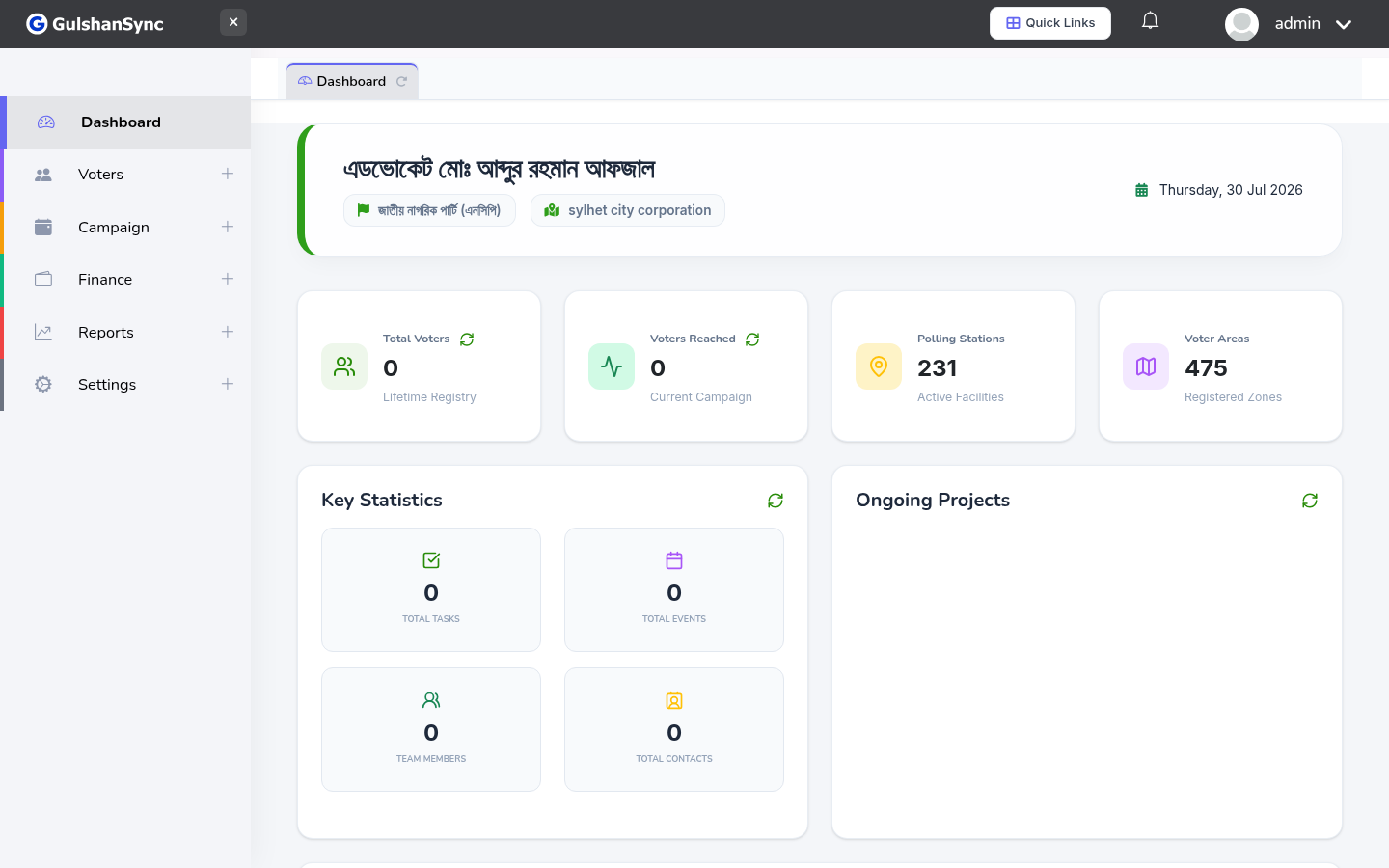
From the left sidebar, click Campaign › Event Categories or navigate to /event_category.
Adding a Category
- Click + Add Category.
- Enter the category name (e.g. 'Press Conference').
- Choose a color — this color appears on the calendar for events in this category.
- Click Save.