Opening the Voter List
From the left sidebar, click Voters › Voter List or navigate to /voters. The Voter List is the master database of every registered voter in your constituency.
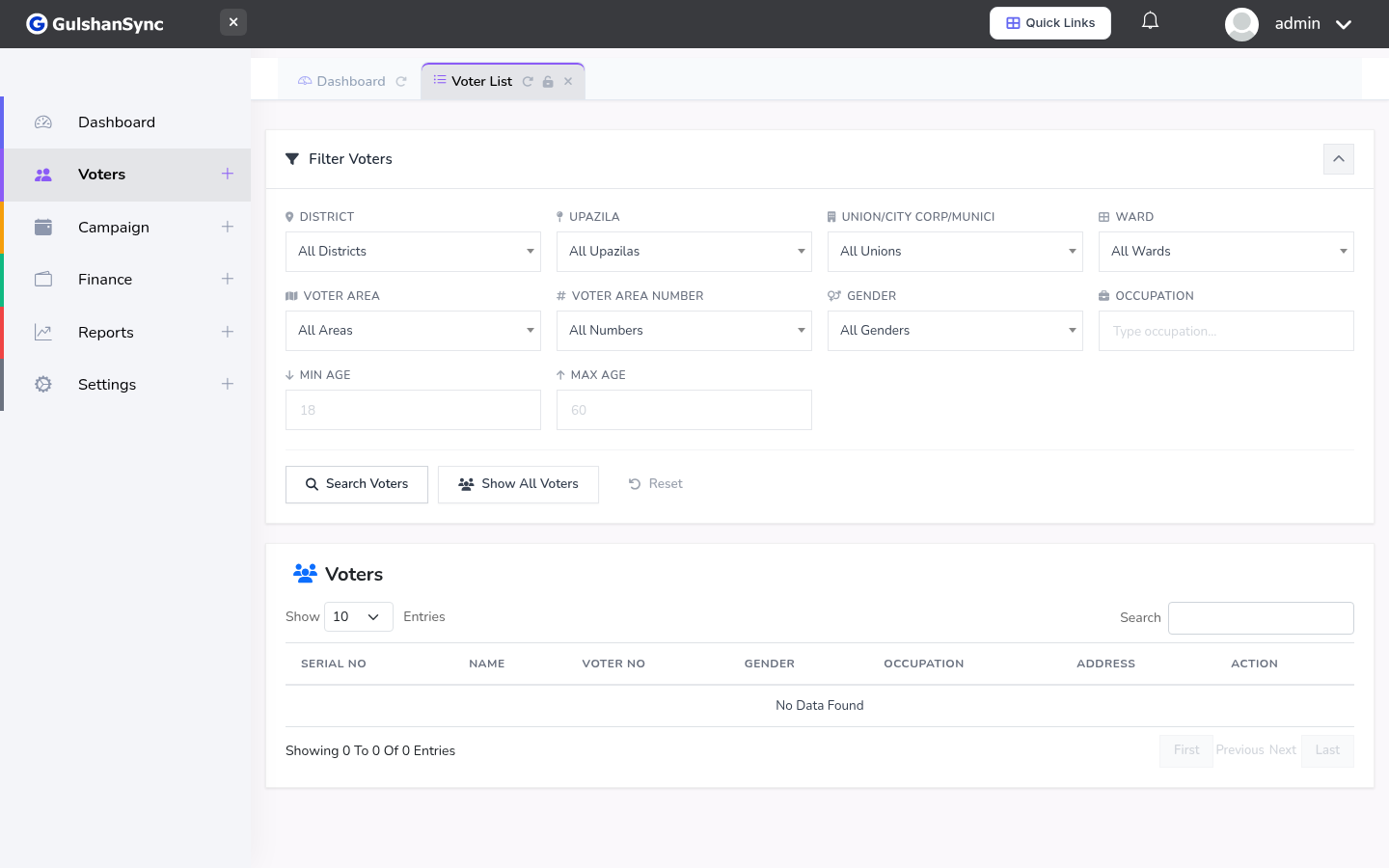
Filter Controls
At the top of the Voter List, you will see a row of dropdown filters. These narrow down the list by location:
| Filter | Description |
|---|---|
| District | Top-level geographic division (e.g. Sylhet Sadar) |
| Upazila | Sub-district |
| Union | Sub-upazila administrative unit |
| Ward | Electoral ward within a union |
| Area | Specific area or village within a ward |
| Polling Station Number | Specific polling station |
| Gender | Male / Female / Other |
Filters are cascading — selecting a district filters the upazila dropdown to only show upazilas within that district, and so on. This makes it easy to drill down to a specific street or polling station.
Voter Table Columns
Each row in the voter table shows:
- Sl — serial number
- Name — voter's full name (English and Bengali)
- Father/Husband — name of father or husband
- Mother — mother's name
- Address — household address
- Gender — Male / Female
- Date of Birth — voter's date of birth
- Actions — view, edit, canvass buttons
Searching for a Voter
Use the search box at the top of the table to find a voter by name, father's name, or address. The table updates as you type. To clear the search, delete the text in the search box.
Viewing Voter Details
Click the View (eye) icon in the Actions column to see the full voter record. This opens a detail page showing:
- Personal information (name, DOB, gender, photo)
- Family information (father, husband, mother)
- Address with geographic hierarchy
- Canvassing history (visits, sentiment, issues raised)
- Voting status
- House head designation (if applicable)
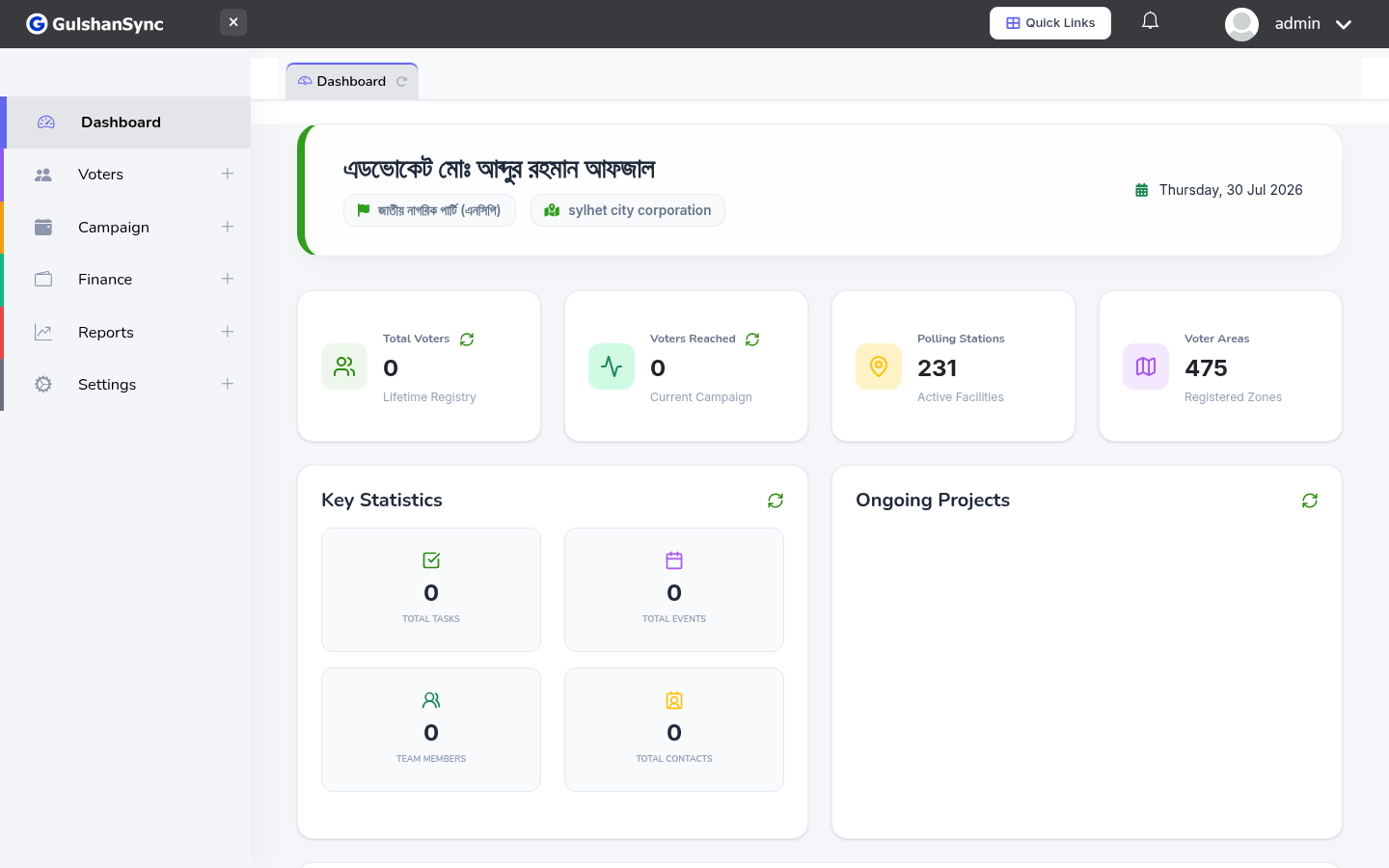
Voters are not created manually. They are imported from the Bangladesh Election Commission voter list via the Voter Import module. The OCR engine extracts voter data automatically from PDF files.