Opening the Calendar
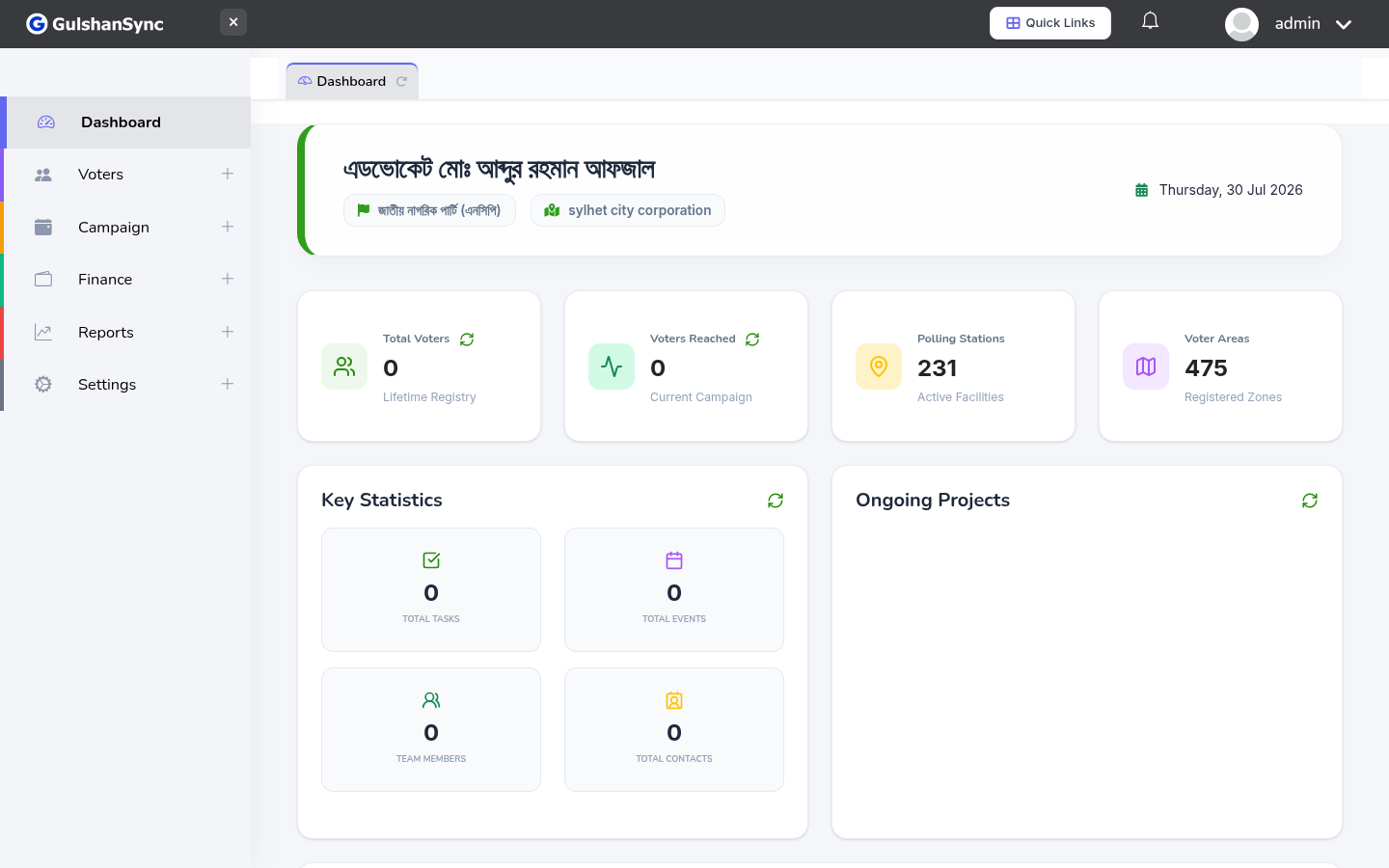
From the left sidebar, click Campaign › Event Calendar or navigate to /events/calendar. The calendar shows all your events in a month-view by default.
Calendar Views
Use the buttons at the top right to switch views:
- Month — default, shows the whole month at a glance
- Week — hour-by-hour schedule for one week
- Day — hour-by-hour schedule for one day
- List — chronological list of upcoming events
Navigating Dates
Use the < and > arrows at the top to move to the previous or next period. Click Today to jump back to today's date.
Adding an Event from the Calendar
Click any empty date in the calendar to open the New Event form with that date pre-filled. Fill in the details and click Save.