Opening Task Statuses
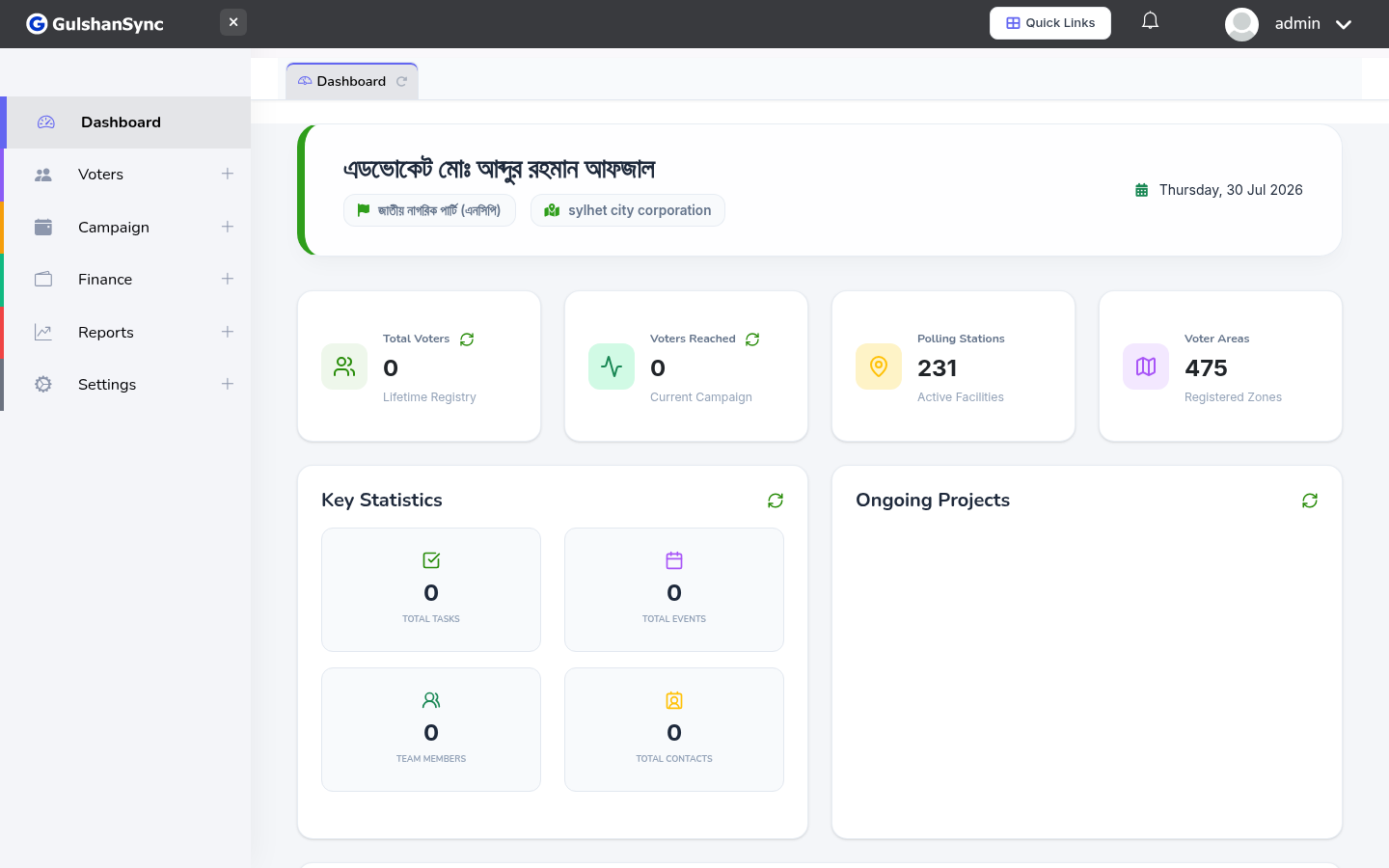
From the left sidebar, click Campaign › Task Statuses or navigate to /task_statuses.
Default Statuses
The system ships with these default statuses:
- To Do, In Progress, Review, Done, Blocked
Adding a Custom Status
- Click + Add Status.
- Enter the status name.
- Choose a color (used in the Kanban view).
- Set the order (where this status appears in the workflow).
- Click Save.